Free, Standard & Pro · English documentation · Your own Notion copy
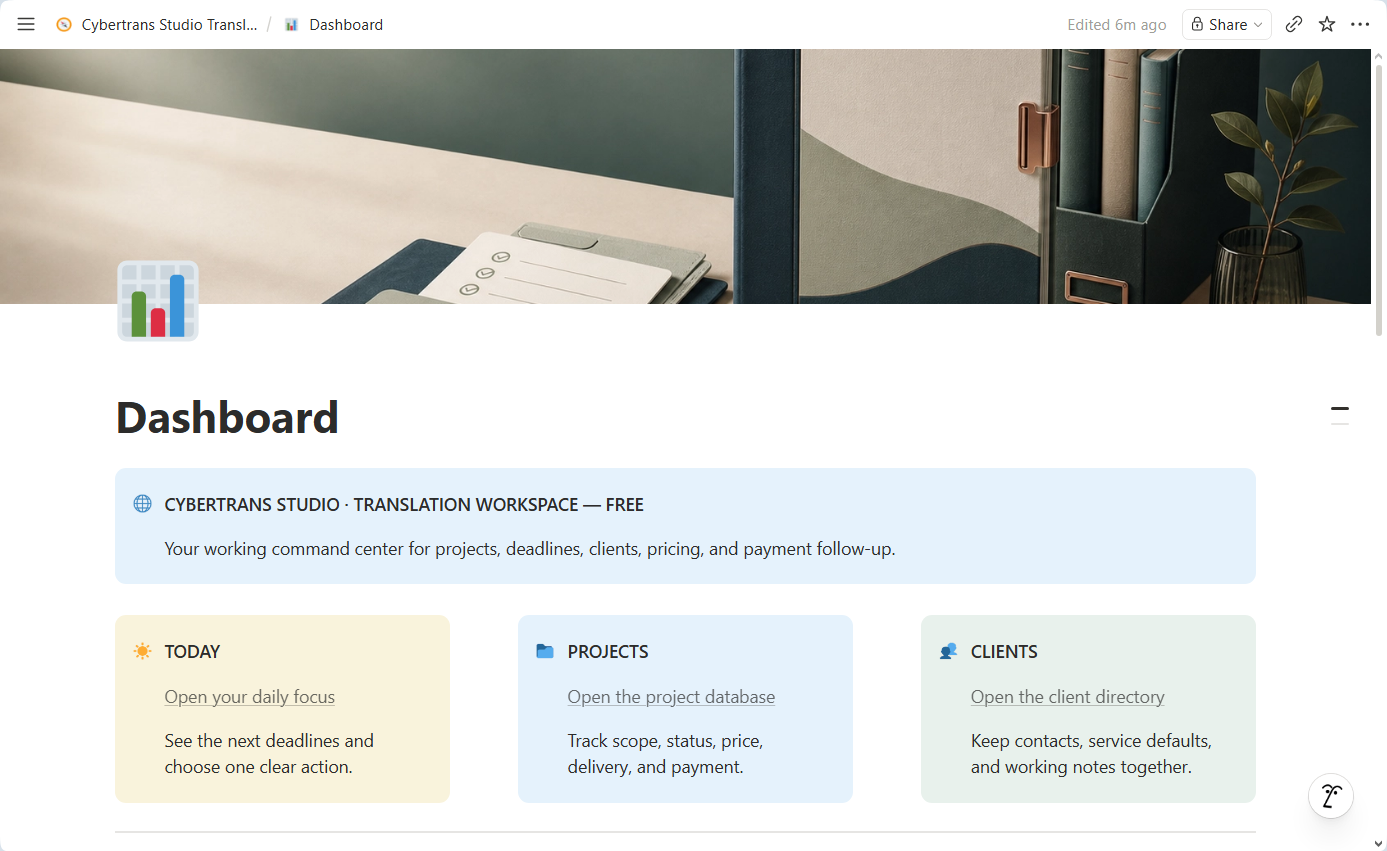
Free edition: enlarged workspace detail from a real demo screenshot. Fictional example data; this crop does not show every feature of the edition.
YOUR WORK, IN FOCUS↗
A clearer working day.
Projects & deadlinesKnow what comes next.
01
Clients & contextKeep the details together.
02
Time to translateGet back to your craft.
03
BUILT IN NOTION MADE FOR YOUR WORKFLOW
A place for every projectA view of the next deadlineA structure you can make your own
A LOOK INSIDE
Start the day with a little more clarity.
Keep your daily focus close to your projects and clients. Here is the Dashboard in the Free edition.
REAL DEMO WORKSPACES
See Standard and Pro in use.
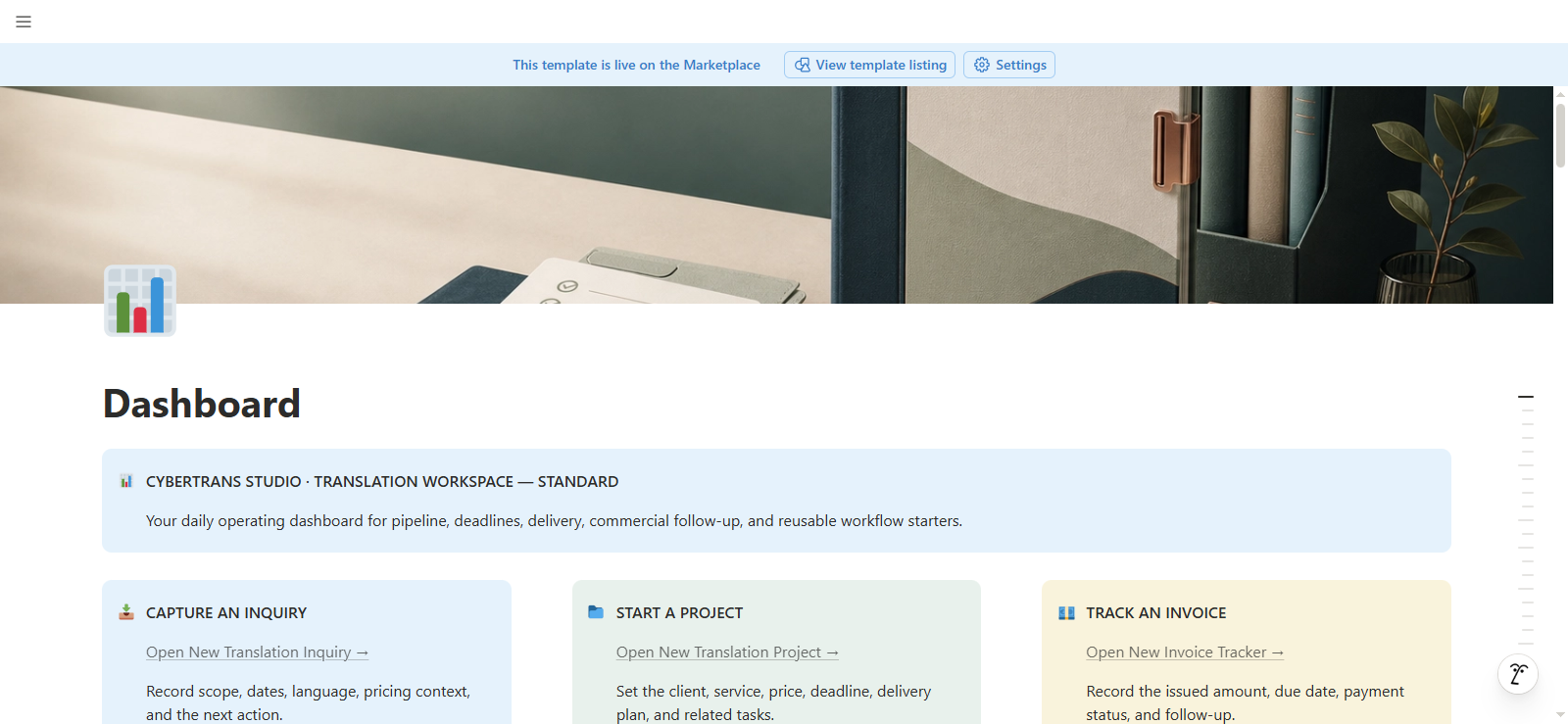
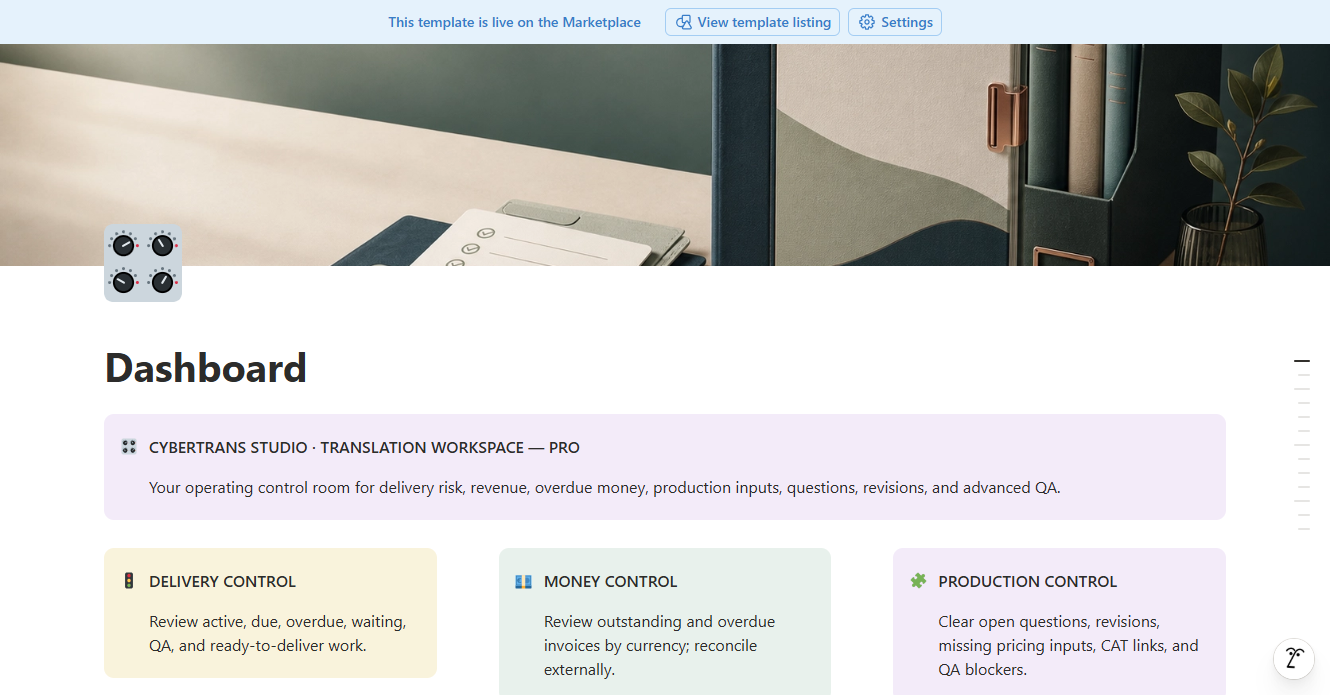
These are current screenshots from the real fictional Demo copies. The examples show the product structure without exposing client information.
Actual Free edition workspace. Appearance may vary with your Notion settings.Standard Demo: inquiry, project, delivery and payment follow-up in one connected workflow.Pro Demo: Standard workflow plus delivery risk, finance, CAT and QA controls.
A short working scenario
Capture a translation inquiry with scope, language pair, dates and pricing context.
Turn accepted work into a project, tasks and a delivery plan; Standard keeps quote and invoice follow-up connected.
In Pro, add manual CAT/TM context, time, expenses, questions, revisions and QA checks when the job needs them.
Review the next action and outstanding money, then reconcile invoices and payments in the external tools you already use.
All visible records are fictional Demo data. CAT import, invoice generation, tax calculation, payment processing and automatic sending remain outside the template.
FROM CHECKOUT TO YOUR WORKSPACE
Three steps to start.
01
Choose your edition
Choose Free for 0 USD, or make a one-time purchase of Standard or Pro. Review the final total before confirming.
02
Choose Clean or Demo
Choose Clean for your work or Demo to explore the example records.
03
Duplicate into Notion
The template becomes your own Notion workspace. Quick Start is included.
GOOD TO KNOW
A few details before you begin.
What do I receive?
Two links for the selected edition: a workspace with fictional demo data and an equivalent clean workspace. Both include English setup instructions and documentation inside Notion. No physical product is shipped.
Do you see my clients or projects?
You work in your own Notion copy. We do not automatically receive its contents or need access to it. You control any sharing permissions.
Can I use it for paid client work?
Yes, for your own freelance or internal business workflow. You may not redistribute or resell the template. Standard and Pro include a client update starting point for manually sharing approved information. You control what is included and who can see it.
Does this replace a CAT tool or accounting software?
No. It organizes your work in Notion. CAT analysis entry is manual; invoice records are tracking records. The template does not generate invoice PDFs, process payments or calculate taxes.
Can I explore before buying?
The Free edition offers the core workflow. Every edition also includes a demo copy so you can learn its structure before entering your own data.
Where can I get help?
Email support.studio@cybertrans.me. For a missing order, include your order reference and checkout email. See our refund policy for requests relating to a purchase.