CYBERTRANS STUDIO · 77 DIGITAL PRODUCTS
Digital tools for work,
learning & creative projects.
Find practical templates, workspaces and creative assets for your next project. Start with a task, a collection or a product.
Browse collections
Ready for your next step.
EXPLORE BY COLLECTION
Start with what you need.
Ten starting points, from everyday business tools to learning and seasonal projects. Some products belong to more than one collection.
Business & Finance
Pricing, financial models and performance dashboards.
9 products ↗
E-commerce & Seller Tools
Listings, sourcing and everyday seller workflows.
7 products ↗
Marketing & Sales
Campaigns, conversations and content planning.
8 products ↗
Productivity & Planning
Make room for focused work and a clearer week.
4 products ↗
Design & Creative Assets
Presentations, graphics and editable design kits.
7 products ↗
Notion Templates
Connected workspaces for projects and daily work.
20 products ↗
Learning Resources
Printable activities for classroom and home.
10 products ↗
Digital Tools
Practical tools for checking and preparing files.
2 products ↗
Career & Job Search
Organise applications and prepare your next step.
2 products ↗
Halloween
Games, learning printables and creative assets.
18 products ↗A FEW PLACES TO START
Explore the collection.
Business & Finance
Clear Handoff — Digital File Delivery & Handoff Kit
Prepare a digital-file handoff with a clear record of contents, versions, usage limits and actual delivery status.

E-commerce & Seller Tools
AI Amazon PPC Optimization Kit
Turn an Amazon advertising export into a review queue with visible evidence and unresolved-data warnings.
Marketing & Sales
A/B Testing Roadmap/System
Plan a binary-outcome experiment and keep the eventual decision tied to its original protocol.
Productivity & Planning
Deep Work System
Plan a focus session around an observable result and compare what you intended with what actually happened.
Design & Creative Assets
Client Operations UI Kit for Figma
Design a client-operations interface in Figma using editable components, semantic tokens and screen examples.
Notion Templates
Course Launch System
Design a course around observable learning outcomes and connect the production work to evidence.
Learning Resources
Alphabetical Order Task Cards — ABC Order Stations — Grades 2-4
Practise alphabetical order beyond the first letter. Learners sort fictional book labels by surname, then given name when needed, and explain the letter comparison that decides the order.
Digital Tools
Bilingual Preflight
Check bilingual segments for formal mismatches before linguistic review.
Career & Job Search
ATS Resume Bundle and AI Job Toolkit
Prepare a résumé and cover letter around a real vacancy while keeping claims tied to your actual experience.
Halloween
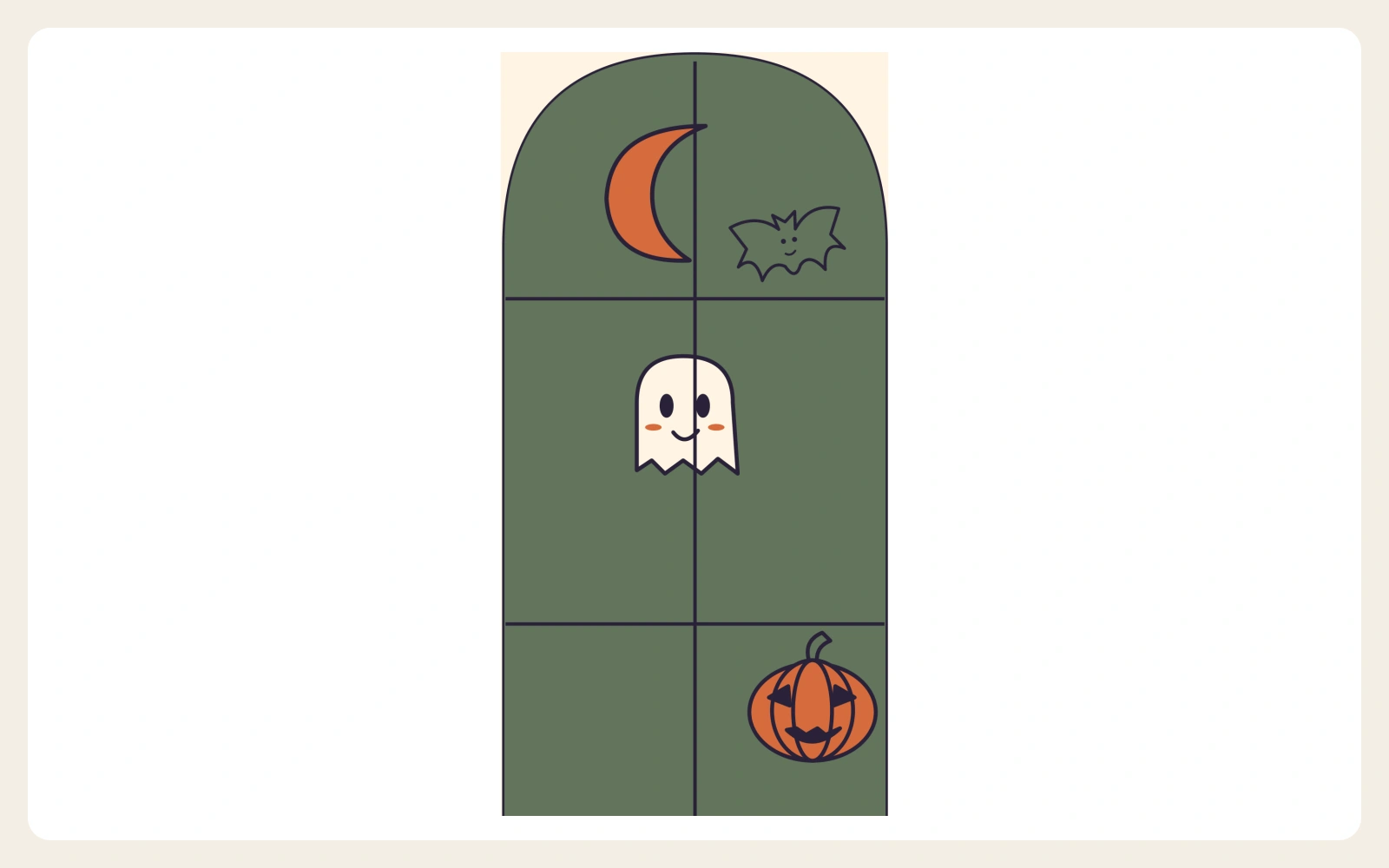
Wick & Window — Boutique Halloween Campaign Kit
Create a coordinated Halloween campaign with calm boutique layouts with soft colors, serif headings and framed imagery. Wick & Window includes 36 social layouts, a flyer in four print variants, an offline editor and caption prompts.
FROM CHOOSING TO USING
How to buy and access your files.
Check the contents and requirements on the product page before you buy.
- 01
- 02
Buy through Whop
Open a product page and choose Buy now to review that product and its final total in the secure checkout.
Explore products - 03
Access your purchase
After purchase, sign in to Whop to open your product, access its files and follow the included PDF guide.
What will I receive?
Each product page lists the exact files, formats and instructions included. These are digital products; no physical item is shipped.
Which software do I need?
Requirements vary by product. Check the product page before purchasing: some kits use Excel, Word, PowerPoint, Figma or Notion; other tools run in a browser.
How do Notion templates work?
Follow the template links in the included PDF guide and duplicate the template into your own Notion workspace. You need your own Notion account.
Can I use these in my business?
Read the licence and usage permission on the individual product page. Permissions vary; purchasing a kit does not automatically permit reselling or redistributing its source files.
Where can I get help?
Contact support.studio@cybertrans.me and include the product name and a short description of your question.
