Choose your edition
Choose Free for 0 USD, or make a one-time purchase of Standard or Pro. Review the final total before confirming.
NOTION TEMPLATE · FREE, STANDARD & PRO
See what blocks launch before the launch date: missing content, stale approval or unfinished checks.
Free · Standard 19 USD · Pro 29 USD · one-time
Your own Notion copy · Clean + Demo · English documentation
BUILT AROUND YOUR WORK
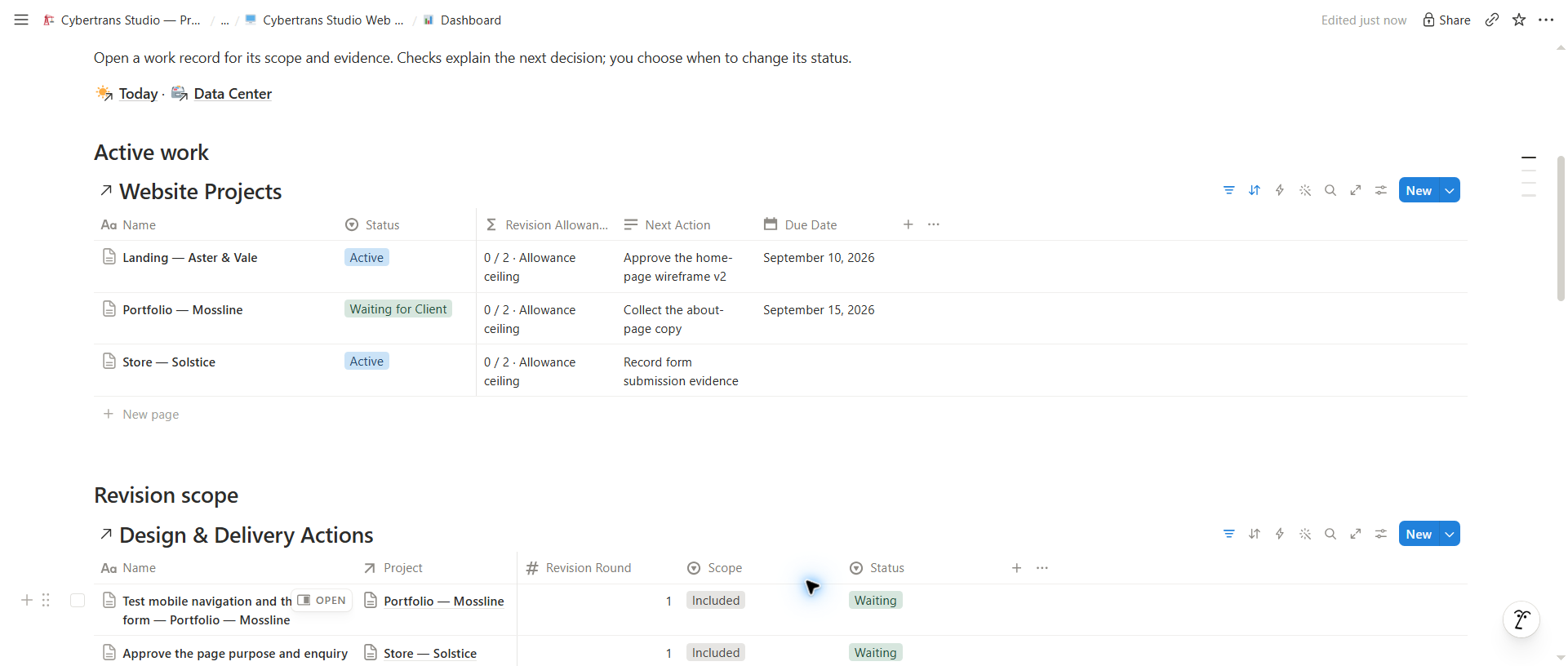
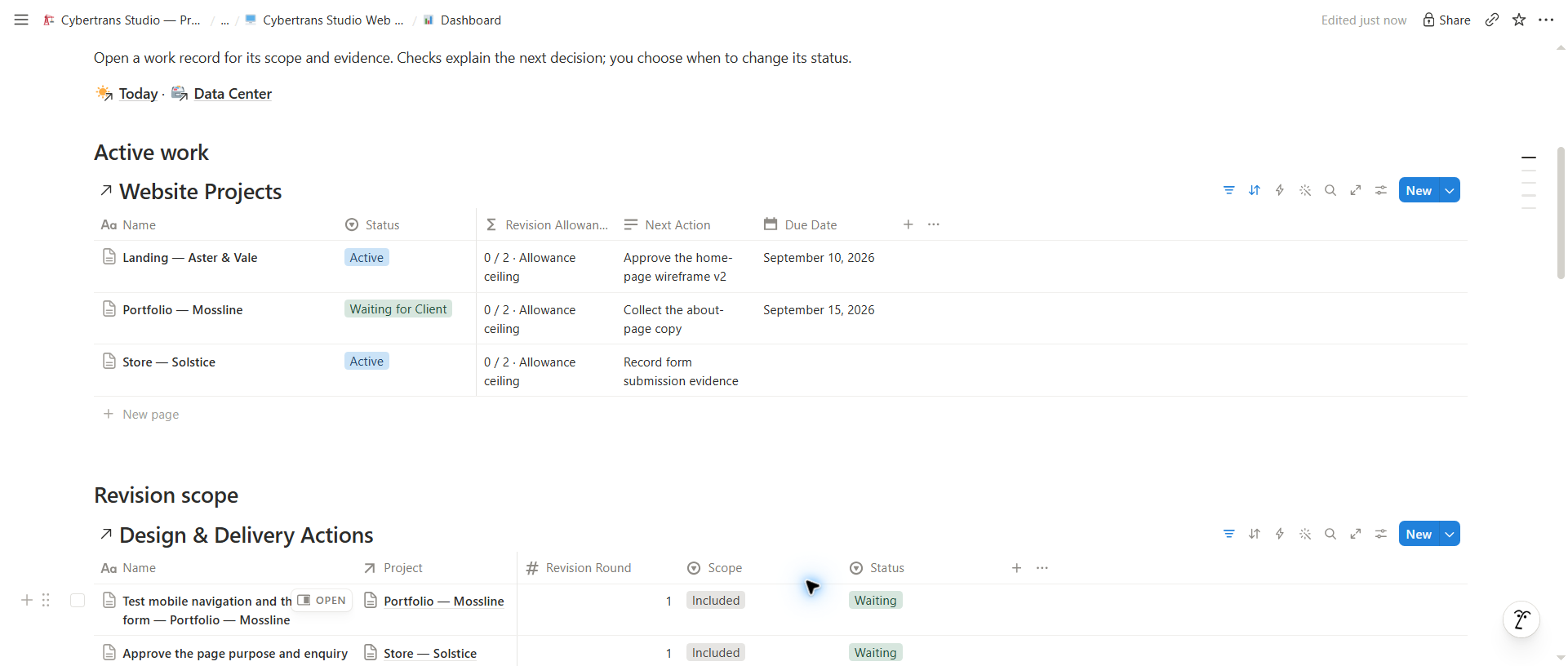
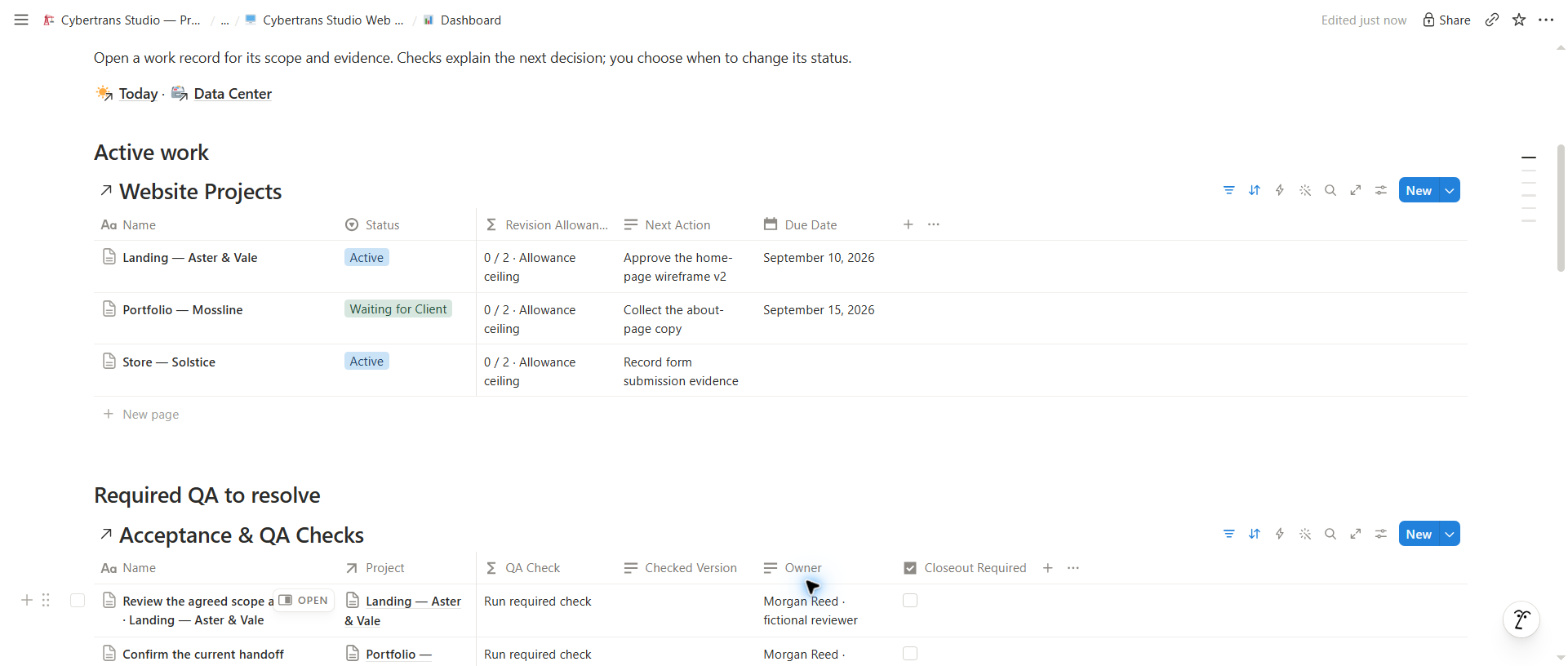
Page-level content requests distinguish received from approved. Pro combines content, current-version sign-off and required QA into a launch check, with revision scope recorded separately.
REAL WORKSPACE PREVIEWS
These are screenshots of the actual templates. Demo records are fictional; dates and results are examples.
FROM CHECKOUT TO YOUR WORKSPACE
Choose Free for 0 USD, or make a one-time purchase of Standard or Pro. Review the final total before confirming.
Choose Clean for your work or Demo to explore the example records.
The template becomes your own Notion workspace. Quick Start is included.
BEFORE YOU CHOOSE
A Clean workspace and a separate copy with fictional Demo data for your selected edition. Quick Start and English documentation are inside Notion. A Notion account is required; no Notion subscription is included.
No. Standard is 19 USD and Pro is 29 USD as a one-time template purchase. Free is 0 USD. Applicable taxes, fees or currency totals are shown before you confirm your order.
No. Your duplicate is independent. Future publisher changes do not automatically update it or transfer your data. Editions are separate; use the included Upgrade Guide for a manual transfer.
Duplicating the template does not grant us access to your Notion copy. You control your records, workspace permissions and any information you choose to share.
Figma, staging, hosting and domain permissions remain external. The workspace does not publish a website or provide a password-protected portal.
Email support.studio@cybertrans.me with the profession, edition and order reference. Do not send confidential client documents or card details. See the refund policy for purchase issues.
